· readers
AI for Salon Owners: Booking, Reviews and Rebooking Without Losing Your Voice
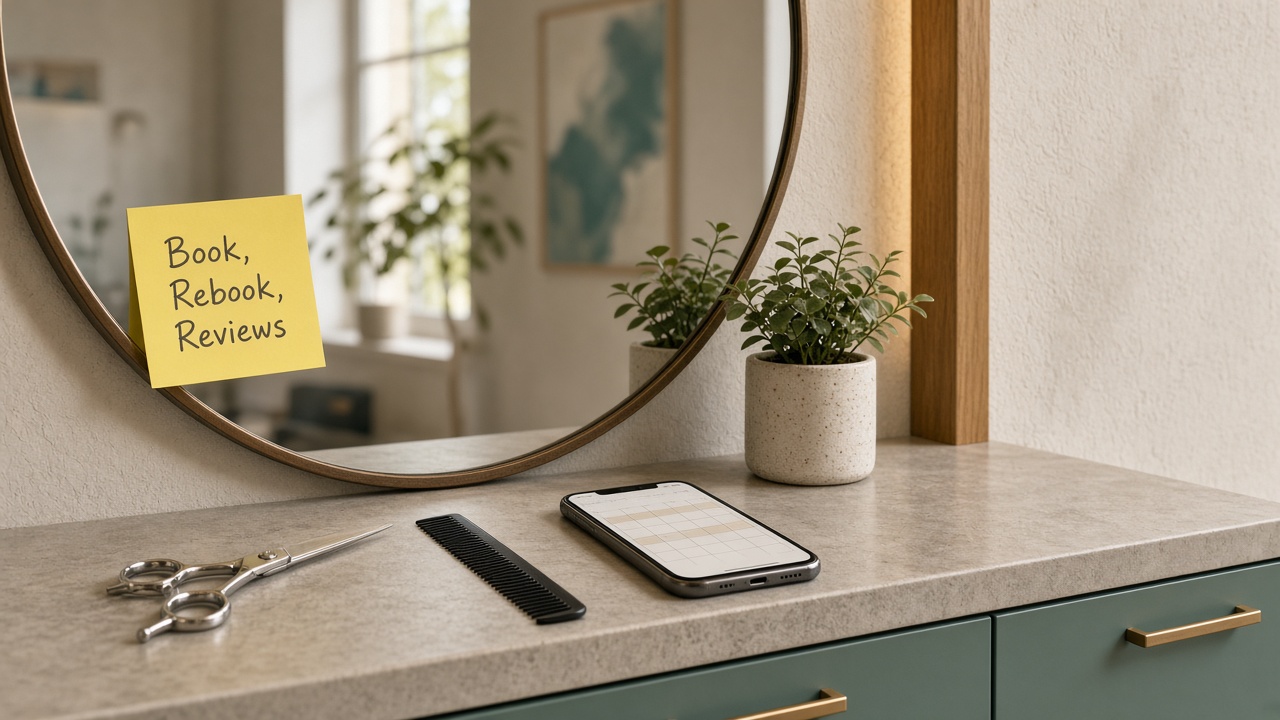
If you own a salon, the hardest part of the day usually isn't the cut or the color. It's everything between appointments. The DMs asking if you have anything Saturday, the client who forgot to rebook, the review you meant to answer, the Instagram post that didn't happen this week.
That's where AI can help. It can't hold a pair of shears, and it shouldn't pretend to be you. What it can do is take a lot of the typing and remembering off your plate so you and your team can stay focused on the person in the chair. Here's where I'd start, in plain English, with tools you probably already have.
Where the time actually goes
Think about last week. Outside of time with clients, where did the hours go? For most small salons it's some mix of these:
- Answering "how much is...?" and "do you have anything open?" in DMs, texts and calls
- Explaining the same policies over and over (deposits, late arrivals, cancellations)
- Chasing clients who didn't rebook before they left
- Replying to Google reviews, or meaning to
- Coming up with social posts and captions
- Writing service descriptions for your booking page or website
- Writing a job post when you need another stylist
Most of that is writing and remembering, which is what AI does best right now. The goal is to pick two or three of those jobs and cut them in half.
Start with one thing: your salon fact sheet
Every idea in this post works better once you do this. Write one simple document about your salon, in your own words:
- Your services, in plain language, and roughly how long each one takes
- Your hours, how booking works and where people book
- Your deposit, late arrival and cancellation policies, exactly as you'd say them
- What a new client should know before a first visit (consultations, patch tests, arriving with clean or dirty hair, whatever applies to you)
- The questions you get most, with your real answers
- A short note on your tone, like "warm, fun, a little sassy" or "calm and polished"
Leave pricing out unless you're happy for AI to repeat it exactly as written. It takes maybe 30 minutes. AI doesn't know your salon, and if you don't give it the facts, it guesses. With the fact sheet, it has something true to work from, and there's nothing private in it.
A quick word on client info
Client names, phone numbers and notes about their hair or skin are your clients' information, and they trusted you with it. A few simple habits keep it that way:
- Keep client details out of free chat apps. Write your messages as templates with no names or numbers in them, then send them from your booking software.
- Use the tools you already pay for. Many booking systems now include reminders, rebooking prompts and AI features. Look there first, since the client info is already in it.
- Only text people who agreed to hear from you. Appointment reminders and promo texts aren't the same thing. If you send promotions by text, make sure clients opted in and can opt out, and check the rules that apply to you.
Everything below is written so you can start with no client information at all.
1. Answer booking questions once, and well
Your front desk, or you between clients, has answered "do you do balayage?" and "how long does a full set take?" more times than anyone can count. Those answers don't change much, so write them well once.
Paste your fact sheet into an AI assistant and ask it to:
- Write short, friendly answers to your ten most common questions.
- Turn them into saved replies you can paste into Instagram, Facebook or text.
- Write a "before your first visit" message you can send after a new client books.
Then read every line and change anything that doesn't sound like you. The first visit message is the one I'd do first. New clients who know what to expect show up on time, come prepared and are less likely to cancel last minute.
2. Write your rebooking and reminder messages
A lot of clients don't drift away because they're unhappy. They just get busy, their hair grows out, and by the time they think about it, someone else had an opening.
Have AI help you write a small set of messages you can reuse:
- An appointment reminder that sounds like a person, not a system
- A "time for your next visit?" note for clients who didn't rebook at checkout
- A friendly check-in for a regular you haven't seen in a while
- A short thank-you after a first visit, with a nudge to book the next one
- A polite message about your late or no-show policy that doesn't feel cold
Write each one with no names or personal details in it, edit until it sounds like your salon, and save them. Then load them into your booking software, which is where client info belongs. If your software has reminders or rebooking built in, use those. The only job here is making every message sound like you.
For more on this kind of writing, I put together a full walkthrough on using AI to answer customer emails. The same steps work for a salon.
3. Reply to every review, including the rough ones
Reviews do a lot of the selling for a salon before anyone books. People read them, and they read how you reply. Most owners know they should answer every one, and most fall behind because it's one more thing at the end of a long day.
AI makes this quick. Paste a review in and ask for "a warm, short reply in my voice that thanks them by first name and mentions what they liked." For the tough ones, ask for a calm reply that thanks them, doesn't argue and invites them to reach out directly so you can make it right. You read it, adjust it and post it.
My guide on replying to Google reviews with AI goes step by step. Keeping your Google Business Profile up to date pairs well with it, especially your hours and services.
4. Keep your social posts going
Social media is where a lot of salon clients find you, and it's usually the first thing that slips when the book is full. AI won't take your photos for you, and your real work should always be the star. What it can help with is the words around it:
- Captions for before and after photos, in your voice
- A simple monthly plan, like one tip post, one team post and one "openings this week" post each week
- Short descriptions for each service that match what you actually do
Give it your fact sheet and a few captions you've written before that you liked. Ask it to match that style. Then cut anything that sounds like an ad.
5. Look at AI receptionists last, not first
"AI receptionist for salons" is one of the things people search, and you'll see plenty of tools pitched to you. Some may save real time, especially if you miss a lot of calls while you're with clients. I'd still try the steps above first, because they cost you little or nothing and they show you what AI is good at in your salon.
When you do look at one, ask these questions:
- What can it say and book on its own, and what does it hand to a person?
- Does it work with the booking software I already use?
- Where does client info go, and who can see it?
- How do I check what it told clients each day?
If a vendor can't answer those clearly, keep looking.
What not to hand to AI
AI is a good helper for the business side. It doesn't know your clients, your chair or your craft. Keep these with you:
- Consultations and color decisions. That's your training and your eye.
- Anything about allergies, skin reactions or health. Those conversations need a person.
- Client details in tools you don't trust. Keep names, numbers and notes in your booking system.
- Your prices and policies as final word. AI can repeat them. It shouldn't invent or change them.
- Final say on anything a client reads. AI drafts, you approve.
A simple first week
If this feels like a lot, don't do all of it. Try this instead:
- Day 1: Write your salon fact sheet.
- Day 2: Have AI draft answers to your ten most common questions and save them as quick replies.
- Day 3: Write your first visit message.
- Day 4: Write your rebooking and reminder messages and load them into your booking software.
- Day 5: Look back at what saved time and what didn't.
Keep what works and drop what doesn't. That's really the whole process.
Frequently asked questions
Is AI worth it for a small salon? For the business side, usually yes. Booking questions, rebooking messages, reviews and captions are mostly writing, and that's where AI helps the most. Start small and judge it by the time it gives you back.
Will my clients be able to tell I used AI? Not if you edit the drafts. Give AI your facts and a few examples of how you write, then change anything that doesn't sound like you. It should read like you on a good day.
Do I need an AI receptionist? Maybe, but not first. Figure out how many calls and messages you're missing and when, then try the free steps here. If you still need help, compare receptionist tools on what they say to clients, what they book on their own and how well they work with your booking software.
Get your time back between clients
You opened a salon to do great work and make people feel good, not to answer the same DM forty times a week. AI won't do your job, but it can take a real chunk of the office work off your plate.
If you'd like help setting this up, that's what I do with Mugen Solutions. I run free, hands-on AI workshops for small business owners, built around your real tasks instead of generic examples. Reach out here and tell me what's eating up your week.