· readers
AI for Chiropractors: Get Your Evenings Back (Front Desk, Reviews and Recall)
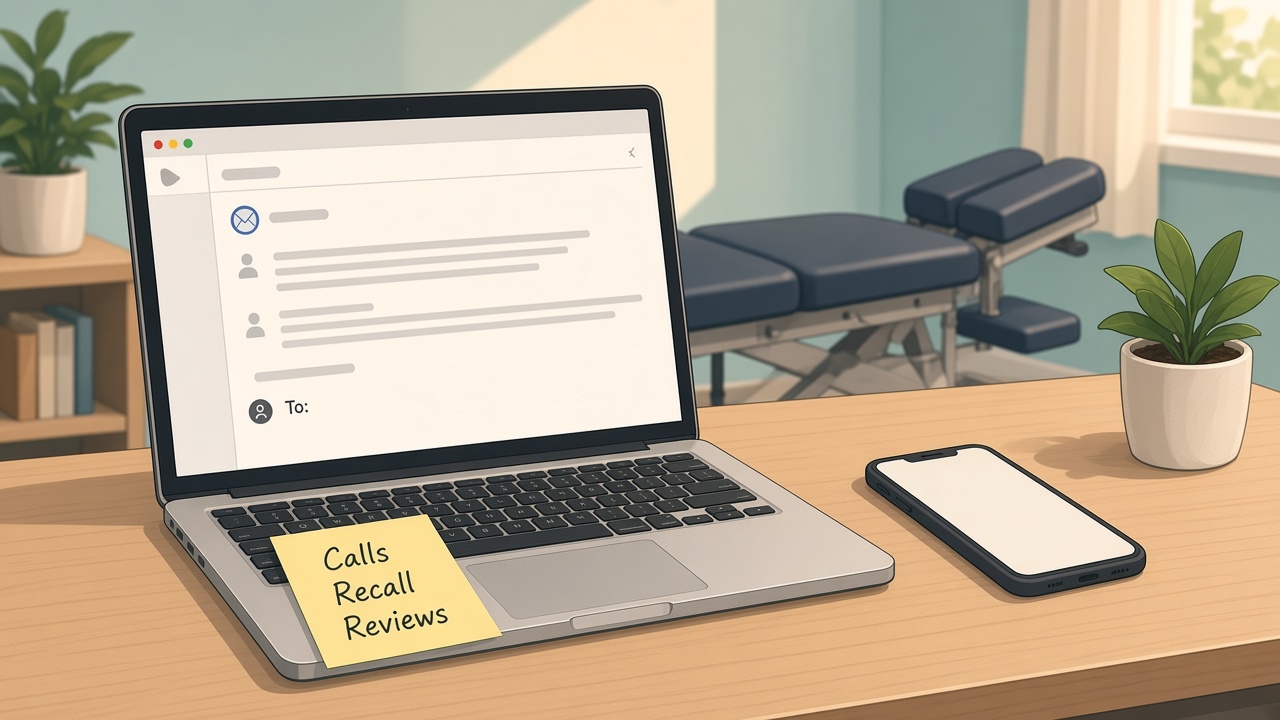
If you run a chiropractic practice, you already know the adjustments aren't what keep you at the office late. It's everything around them. The voicemails, the reschedules, the patient who hasn't been back in two months, the review you meant to answer last week, the website that still lists your old hours.
That's the part AI is good at. It won't touch a patient and it shouldn't make a clinical call. What it can do is take a lot of the writing and sorting off your plate, so you and your front desk spend more time with the people in the room. Here's where I'd start, in plain English, with tools you probably already have.
Where the time actually goes
Think about last week. Outside of patient time, where did the hours go? For most small practices it's some mix of these:
- Returning calls and texts about scheduling
- Answering the same new patient questions over and over
- Reminding patients about appointments and care plans
- Reaching out to patients who stopped coming in
- Replying to Google reviews (or meaning to)
- Writing anything for the website, email or social media
- Writing up notes at the end of the day
Most of that is writing and remembering, and that happens to be what AI does best right now.
So the goal isn't to "add AI to the practice." The goal is to take two or three of those jobs and cut them in half.
First, a word on patient privacy
Before anything else, this matters more for you than for most of the owners I work with.
Patient names, dates of birth, visit details and anything about someone's health is protected health information. Under HIPAA, when an outside company handles that kind of information for you, the rules generally require a written business associate agreement with them. You can read how HHS explains it on their page about business associate contracts.
In plain terms, that means two things:
- Don't paste patient details into a regular AI chat app. A free chatbot is fine for writing a general new patient FAQ. It's not the place for anyone's name, chart or visit notes.
- For anything with patient info, use tools built for it. If your practice software has AI features, or a vendor offers an AI scribe or AI receptionist, ask whether they'll sign a business associate agreement before you use it with real patients.
I'm not a lawyer, and this isn't legal advice. If you're unsure, ask your compliance person or attorney. Everything below is written so you can start with no patient information at all.
Start with one thing: your practice fact sheet
Every idea in this post works better once you do this. Write one simple document about your practice, in your own words:
- What you treat and what you refer out
- Your hours, how scheduling works and your cancellation policy
- What a first visit looks like, from paperwork to how long it takes
- What to wear and what to bring
- Insurance and payment in general terms, the way your front desk explains it
- The questions new patients ask most, with your real answers
- A short note on tone, like "warm, calm, no pressure"
It takes maybe 30 minutes. AI can't know your practice, and if you don't give it the facts, it guesses. A guess about your cancellation policy in a patient message is a problem. With the fact sheet, it has something true to work from, and there's nothing private in it.
1. Answer new patient questions once, and well
Your front desk has answered "do I need a referral?" and "how long is the first visit?" more times than anyone can count. Those answers don't change much, so write them well once.
Paste your fact sheet into an AI assistant and ask it to:
- Write short, friendly answers to your ten most common questions.
- Turn them into an FAQ page for your website.
- Write a "what to expect at your first visit" email you can send after someone books.
Then read every line and fix anything that isn't how you'd say it. That first visit email is the one I'd do first. People who know what's coming are less nervous, show up on time with the right paperwork, and call less.
2. Write your reminder and recall messages
A lot of patients don't stop coming because they're unhappy. They get busy, they feel a little better, and the next appointment just never gets booked.
Have AI help you write a small set of messages you can reuse:
- An appointment reminder that sounds like a person, not a system
- A check-in for someone who missed an appointment
- A friendly note for a patient you haven't seen in a while
- A message for someone finishing a care plan, about what comes next
Write them once with no names or health details in them, edit until they sound like your practice, and save them. Then load them into your scheduling or practice software, which is where patient info belongs. If that software has reminders or recall built in, use those. Each message just has to sound like you.
For more on this kind of writing, I put together a full walkthrough on using AI to answer customer emails. The same steps work for a practice.
3. Reply to reviews without saying too much
Reviews do a lot of the selling for a local practice before anyone calls. Replying to them shows you care, but chiropractors have to be careful here. A reply that confirms someone is your patient, or mentions their treatment, can create a privacy problem even when the review is glowing.
AI is actually helpful with that balance. Ask it to "write a warm, short reply to this review. Don't confirm the person is a patient and don't mention any treatment or condition." Then you read it and post it.
For tough reviews, have it draft a calm reply that thanks them and invites them to call the office, without getting into details. My guide on replying to Google reviews with AI goes step by step, and keeping your Google Business Profile up to date pairs well with it.
4. Keep your website and social posts going
"AI for chiropractic SEO" is one of the searches people type, and most of what comes up is aimed at marketers. For an owner, the simple version is this: keep your website accurate and post useful things on a regular basis.
AI can help you:
- Turn your FAQ answers into short website pages or blog posts
- Write a quick weekly tip post, like desk stretches or posture reminders, that you review before it goes out
- Refresh your service descriptions so they match what you actually do
- Update hours and holiday notices in one go
Keep health claims out of what AI writes unless you'd stand behind them yourself, and check them against your own professional standards.
5. Look at scribes and receptionists last, not first
You'll see a lot of AI scribes and AI receptionists sold to chiropractors right now. Some of them may save real time. I'd still try the steps above first, because they cost you nothing and they teach you what AI is good at in your office.
When you do look at one, ask these questions:
- Will you sign a business associate agreement?
- Where is patient data stored, and who can see it?
- What can it say or book on its own, and what needs a person?
- How do I review what it did each day?
- Does it work with the practice software I already use?
If a vendor can't answer those clearly, keep looking.
What not to hand to AI
AI is a good office helper. It's not a clinician, and it doesn't know your practice unless you tell it. Keep these with you:
- Diagnosis and treatment decisions. That's your training and your license.
- Medical advice to patients. An AI-written message should never tell someone what's wrong or what to do about it.
- Patient details in tools without an agreement. If there's no business associate agreement, no patient info goes in.
- Billing and coding calls. Rules change and mistakes are costly. Use your software and your billing person.
- Final say on anything a patient reads. AI drafts, you approve.
A simple first week
If this feels like a lot, don't do all of it. Try this instead:
- Day 1: Write your practice fact sheet.
- Day 2: Have AI draft answers to your ten most common questions.
- Day 3: Write your first visit email.
- Day 4: Write your reminder and recall messages.
- Day 5: Look back at what saved time and what didn't.
Keep what works and drop what doesn't. That's really the whole process.
Frequently asked questions
Is AI worth it for a small chiropractic practice? For the front desk side, usually yes. New patient questions, reminders, recall messages and reviews are mostly writing, and that's where AI helps the most. Start small and judge it by the time it gives you back.
Can I use ChatGPT or another chatbot with patient information? Not a regular consumer chat app. HIPAA generally requires a business associate agreement with outside companies that handle patient information for you. Use AI tools that offer one for anything with patient details, and keep general writing in the free tools.
Do I need an AI receptionist? Maybe, but not first. Figure out how many calls you're missing and why, and start with the free steps here. Then compare receptionist tools on what they say to patients, what they book on their own and whether they'll sign an agreement.
Will patients know I used AI? Not if you edit the drafts. Give AI your facts and your tone, then change anything that doesn't sound like your practice. It should read like your front desk on a good day.
Get your evenings back
You became a chiropractor to help people feel better, not to answer the same email forty times a week. AI won't do your job, but it can take a real chunk of the office work off your plate.
If you'd like help setting this up, that's what I do with Mugen Solutions. I run free, hands-on AI workshops for small business owners, built around your real tasks instead of generic examples. Reach out here and tell me what's eating up your week.