· readers
AI for Auto Repair Shop Owners: Phones, Estimates and Reviews
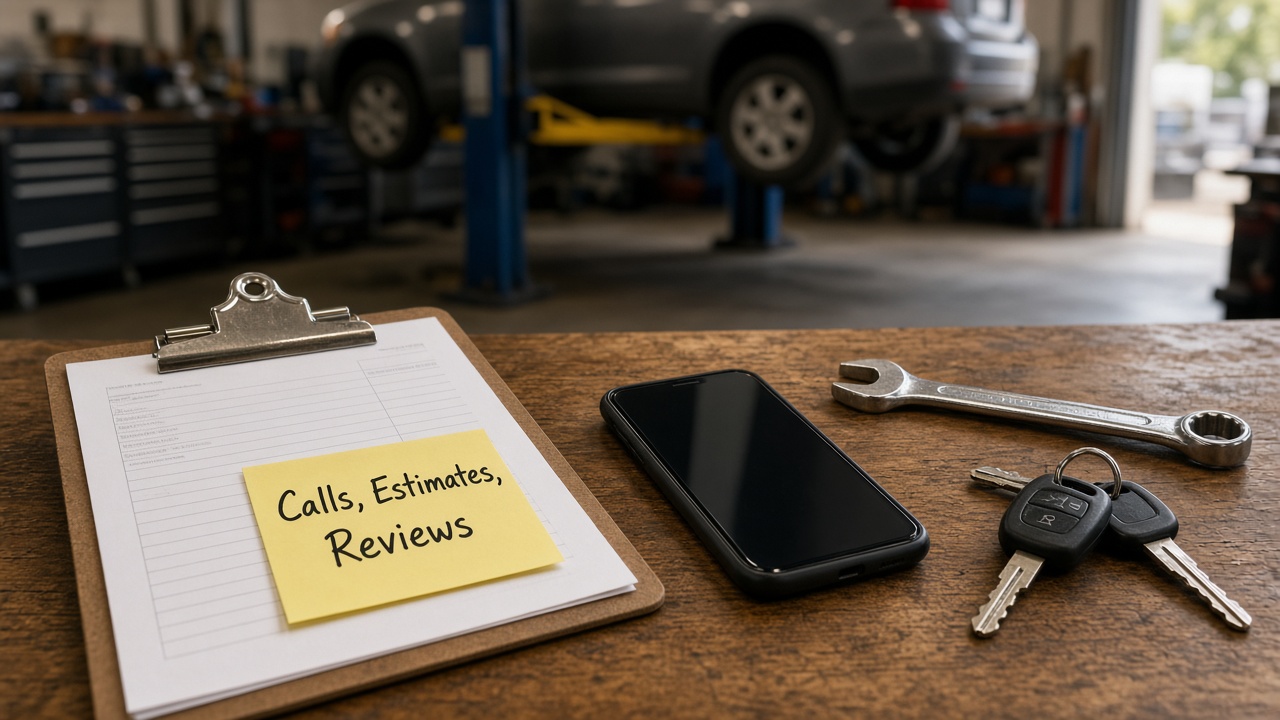
If you own an auto repair shop, you already know the work in the bays isn't the only work. There's the phone that rings while you're under a car, the customer who wants to know why the estimate went up, the "is my car ready yet?" call, and the review you keep meaning to answer.
When people search "AI for auto repair," a lot of what comes up is AI trying to diagnose cars. That's interesting, but it's not where most shop owners are losing time. The time goes to talking, typing and explaining. That's the part AI is actually good at right now, so that's what this post is about. Plain English, tools you probably already have, and nothing that touches your techs' judgment.
Where the hours actually go
Think about last week. Outside of the repair work itself, where did the time go? For most independent shops it's some mix of these:
- Answering "do you work on my kind of car?" and "can you look at it today?" on the phone
- Explaining what an estimate means and why a repair matters
- Calling or texting customers with status updates
- Getting approval for extra work you found once the car was on the lift
- Replying to Google reviews, or meaning to
- Writing service descriptions for your website and Google listing
- Writing a job post when you need another tech or a service writer
Almost all of that is writing and explaining, which is exactly what AI helps with. You don't need to fix all of it. Pick two or three of those and cut them in half.
Start with one thing: your shop fact sheet
Every idea below works better once you do this. Write one simple document about your shop, in your own words:
- The makes, models and kinds of work you take, and the ones you don't
- Your hours, how drop-off and pickup work, and whether you have loaners or a shuttle
- How diagnostics work at your shop and what the customer agrees to before you start
- Your warranty on parts and labor, exactly as you'd say it
- The questions you get most, with your real answers
- A short note on your tone, like "straight talk, no jargon" or "friendly and patient"
Leave pricing out unless you're fine with AI repeating it exactly as written. This takes maybe 30 minutes. AI doesn't know your shop, and if you don't give it the facts, it'll guess. With a fact sheet it has something true to work from, and there's nothing private in it.
A quick word on customer info
Names, phone numbers, plates and VINs belong to your customers. A few habits keep that info where it should be:
- Keep customer details out of free chat apps. Write your messages as templates with blanks, then send them from your shop management software.
- Look at what you already pay for. A lot of shop software now has texting, reminders and some AI built in. Check there first, since the customer info already lives there.
- Only text people who agreed to it. A status update about their own car is different from a promo. If you send promotions by text, make sure customers opted in and can opt out, and check the rules that apply to you.
Everything below can be done with no customer info at all.
1. Answer the phone questions once, and well
Whoever answers your phone has said "yes, we work on that" and "we can probably look at it tomorrow morning" more times than anyone can count. Those answers don't change much, so write them well one time.
Paste your fact sheet into an AI assistant and ask it to:
- Write short, clear answers to your ten most common phone questions.
- Turn those into a one-page cheat sheet for whoever covers the phone.
- Write the same answers as text replies and as a FAQ section for your website.
Then read every line and change anything that doesn't sound like your shop. The cheat sheet is the one I'd do first, because it helps a new hire or a busy Saturday right away.
2. Explain estimates in plain English
This is the big one for a lot of shops. Your tech writes "replace front pads and rotors, rotors below spec" and the customer hears "they're trying to sell me something." The gap is the explanation, not the work.
Here's a simple way to use AI for it. Take the repair, with no customer name or VIN, and ask:
- "Explain this repair to a customer with no car knowledge in three or four sentences."
- "Explain what happens if they wait, without scaring them."
- "Write a short text asking for approval for this extra work, with the reason."
You or your service writer read it, fix anything that's off, and send it from your shop software. The tech's finding stays the tech's finding. AI only helps put it in words a customer can follow. If you do this for your twenty most common repairs, you end up with a library of explanations your whole front counter can use.
3. Write your status update and reminder messages
A lot of "is my car ready?" calls happen because nobody told the customer what's going on. A small set of good messages fixes a lot of that. Have AI help you write:
- A drop-off confirmation that says what happens next
- A "we found something, here's what it is" message that asks for approval
- A "waiting on a part" update that sets a realistic expectation
- A "your car is ready" message with pickup details
- A service reminder for the next oil change or inspection
- A thank-you after the visit with a nudge to leave a review
Write each one with blanks instead of names, edit until it sounds like your shop, and load them into your shop software. If your software already sends updates, use it. The only job here is making the words sound like a person.
I wrote a full walkthrough on using AI to answer customer emails. The same steps work for shop messages.
4. Reply to every review, even the angry ones
People pick a repair shop on trust, and reviews are a big part of how they decide who to trust. They read the reviews and they read how you reply. Most owners know they should answer every one, and most fall behind.
AI makes this quick. Paste a review in and ask for "a short, friendly reply in my voice that thanks them by first name and mentions what they liked." For the rough ones, ask for a calm reply that thanks them, doesn't argue, doesn't share any details about their car or bill, and invites them to call you directly. Read it, adjust it and post it.
My guide on replying to Google reviews with AI goes step by step. It pairs well with keeping your Google Business Profile up to date, especially your hours, services and the makes you work on.
5. Look at AI phone answering last, not first
"AI receptionist for auto repair" is something owners search, and plenty of tools are pitched to shops. Some may help, especially if calls go to voicemail while everyone's in the bays. I'd still try the steps above first, because they cost little or nothing and they show you what AI is good at in your shop.
When you do look at one, ask:
- What can it say and book on its own, and when does it hand off to a person?
- Does it work with the shop software I already use?
- Will it ever quote prices or diagnose over the phone? (It shouldn't.)
- Where do call recordings and customer info go, and who can see them?
- How do I review what it told customers each day?
If a vendor can't answer those clearly, keep looking.
What not to hand to AI
AI is a good helper for the counter and the office. It doesn't know cars the way your techs do. Keep these with people:
- Diagnosis. That's your techs, their tools and their experience.
- Safety calls. Whether a car is safe to drive is a person's call, every time.
- Prices and quotes as final word. AI can help explain an estimate. It shouldn't build or change one.
- Customer details in tools you don't trust. Keep names, plates and VINs in your shop software.
- Final say on anything a customer reads. AI drafts, you approve.
A simple first week
Don't try to do all of this at once. Try this instead:
- Day 1: Write your shop fact sheet.
- Day 2: Have AI draft answers to your ten most common phone questions and make a cheat sheet.
- Day 3: Write plain-English explanations for your five most common repairs.
- Day 4: Write your status update messages and load them into your shop software.
- Day 5: Look back at what saved time and what didn't.
Keep what works and drop what doesn't. That's pretty much the whole process.
Frequently asked questions
Can AI diagnose cars for my shop? That's not where I'd start. Diagnosis is your techs' job. The easier win is the talking and typing around the repair: phone answers, estimate explanations, updates and reviews.
Will customers know I used AI? Not if you edit the drafts. Give AI your facts and a few messages you've written before, then change anything that doesn't sound like you. It should read like your shop on a good day.
Do I need an AI receptionist? Maybe, but not first. Figure out how many calls you're missing and when, then try the free steps here. If you still need help, compare tools on what they say to customers, what they book on their own and how well they work with your shop software.
Get some time back at the counter
You run a shop to fix cars and take care of people, not to explain the same brake job on the phone five times a day. AI won't turn a wrench, but it can take a real chunk of the talking and typing off your plate.
If you'd like help setting this up, that's what I do with Mugen Solutions. I run free, hands-on AI workshops for small business owners, built around your real tasks instead of generic examples. Reach out here and tell me what's eating up your week.