· readers
Google Reviews: How to Get More for Your Business (With AI Doing the Busywork)
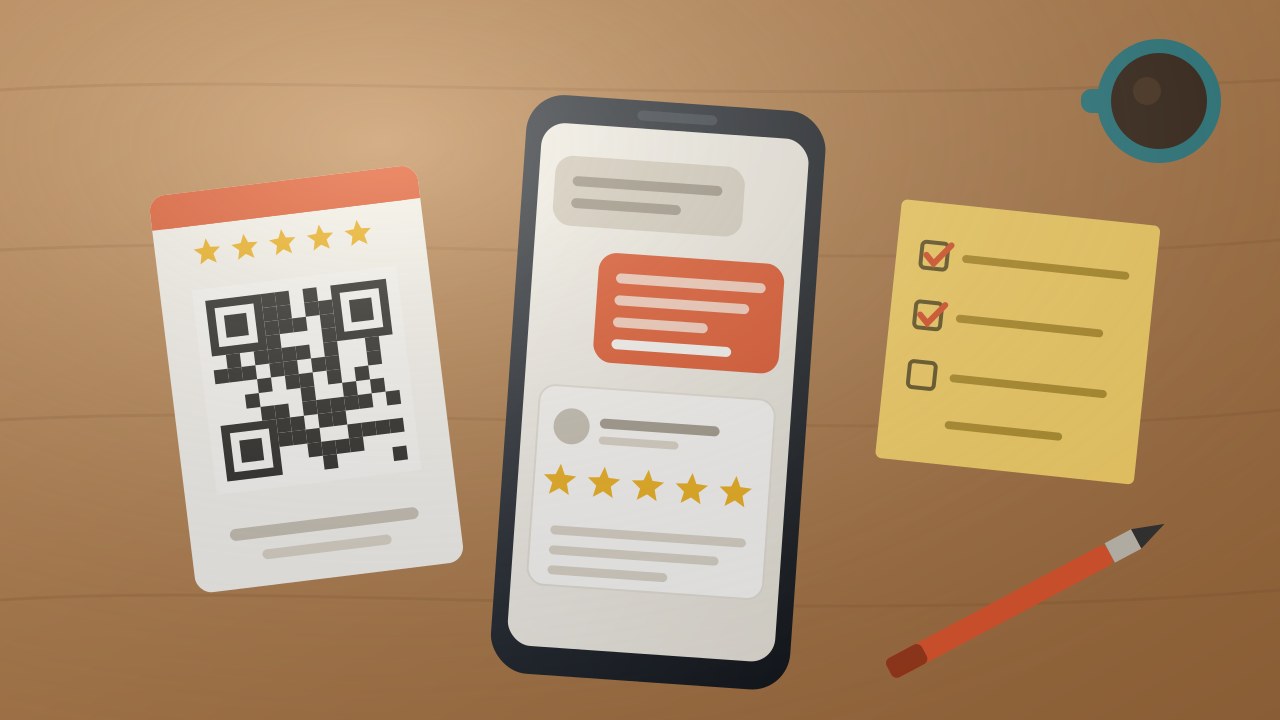
The way to get more Google reviews for your business is simple: ask every customer, soon after the job, with one link that takes them straight to your review form. Then send one friendly follow-up. AI can write the ask, the texts and the reminder emails for you, so the only thing left is making it a habit.
That's the short version. Below I'll walk through where to get your link, how to write your ask once, when to send it, how AI handles the follow-up, and what Google says you can't do. I'm not going to cover replying to reviews here. I already wrote that one: how to reply to Google reviews with AI.
Why happy customers don't leave reviews
I think most of the time it's not because they didn't like you. It's because nobody asked, or asking was a hassle.
You finish the job. The customer says thanks. Everyone moves on with their day. By the time they think about it again, they'd have to search for your business, find the right button and figure out what to write. That's a lot to ask of someone who already paid you.
The fix isn't a trick. It's a system:
- One link that opens your review form directly.
- One short ask that sounds like you.
- One moment in your process where the ask always goes out.
- One follow-up, and then you stop.
That's where AI comes in. Not to write reviews. To write the messages, so you're not typing the same text from the truck every night.
What Google allows (and what gets you in trouble)
Before you send anything, know the rules. Here's what Google's own help pages say.
Google's Tips to get more reviews page says reviews must reflect a genuine experience, and that offering incentives, like free or discounted goods or services, in exchange for posting, changing or removing reviews is strictly prohibited. The same page says a customer has to be signed into a Google Account to leave a review.
Google's Maps content policy on prohibited and restricted content goes further. It says businesses can't:
- Offer payment, discounts, free goods or services in exchange for a review.
- Discourage negative reviews, or only ask the customers they think will be happy.
- Require or pressure people to leave a review while they're on the premises.
- Ask for specific content in the review, including naming a staff member.
- Ask staff to bring in a certain number of reviews.
It also says reviews based on a conflict of interest, like from employees or family, aren't allowed. What Google does allow is asking customers to share a genuine experience, as long as you don't offer anything for it or try to steer the rating or what they write.
So the whole game is: ask everyone, ask the same way, offer nothing, and let them say what they want.
Step 1: Get your review link and QR code
Google has a page on creating a link or QR code to request reviews. The steps it gives are:
- Go to your Business Profile.
- Select Read Reviews, then Get more reviews.
- Copy the link, or download the QR code.
The page says QR codes can only be made on a computer browser right now, not on your phone. It suggests putting the link on receipts, in thank you emails and at the end of a chat, and printing the QR code for your store.
Save that link somewhere you can grab it fast. If your profile itself needs a cleanup first, my post on keeping your Google Business Profile up to date with AI covers that.
Step 2: Write your ask once, with AI
This is the part most owners never get around to. You don't need to be a writer. You need one good version of each message.
Open ChatGPT or Claude and give it something like this:
I run a [type of business] in [town]. Write three short review request messages in a friendly, plain voice: one text message, one email and one line my staff can say in person. Thank the customer for their business, mention the job in a few words, and include [my review link]. Don't offer anything in return. Don't ask for five stars or tell them what to write.
Then read what it gives you and make it sound like you. Here's the kind of thing you're going for.
Text: "Hi [first name], thanks for having us out today. If you have a minute, a quick Google review really helps a small business like ours. [link]"
Email: A short thank you, one line about the job, the link on its own line, and your name at the bottom. Send it from a real person's address so replies reach someone.
In person: "Thanks so much. If you get a chance later, a Google review helps other people find us." Then hand them the card with the QR code. Say it once and let it go. No standing over them while they type.
Keep these in one note or doc. Now everyone on your team asks the same way, which is exactly what Google wants anyway.
Step 3: Pick the moment
Timing matters more than wording. The best time to ask is right after the customer feels the result.
- Service jobs (plumbing, HVAC, cleaning, repairs): the same day the job is done, once you've confirmed everything works.
- Appointments (salons, dental, chiro): after checkout, while they're still happy with the visit.
- Restaurants and shops: a QR card at the counter or on the receipt.
- Long projects: at the final walkthrough, not halfway through.
Pick one moment in your process and tie the ask to it. "Job marked complete" is a good trigger. "Whenever I remember" is not.
Step 4: Let AI handle the follow-up
Most people who mean to leave a review just forget. One reminder fixes a lot of that. More than one starts to feel like nagging.
Ask AI to write a short reminder that says, in plain words, "no worries if you're busy, here's the link again." Send it a few days later, only to customers who didn't leave one. Then stop.
If you already use a booking tool, an invoicing app or a CRM, check whether it can send a message when a job closes. Paste in the text AI wrote. If you don't have one, a simple list works fine. My post on answering customer emails with AI has the same idea: AI drafts, you read, then it goes out.
Only text people who gave you their number and expect to hear from you. Keep it to one ask and one reminder.
Step 5: Make it a weekly habit
Here's how I'd set this up. Once a week, pull the list of jobs you finished. Give it to AI along with your saved messages and ask it to draft a personal ask for each customer, using their first name and the job. Read through, fix anything that's off and send.
I run a team of AI agents for my own business, and the rule is the same as here: nothing goes out until I've said yes. That's what keeps it sounding like a person and not a robot.
A few weeks in, look at your profile. If the ask isn't working, change one thing at a time: the moment, the wording or the channel.
What not to do
This is where owners get hurt. Here's what to keep out of your review process:
- Don't buy reviews. Ever. It breaks Google's rules, and it's not worth it.
- Don't write fake reviews, and don't let AI write them. Not for you, not for a customer "who said they'd post it."
- Don't offer anything for a review. No discount, no free add-on, no raffle entry.
- Don't gate. That means asking "how did we do?" first and only sending the Google link to the happy ones. Google's policy calls out selectively asking for positive reviews.
- Don't ask family or staff to review you.
- Don't script the review. Don't ask for five stars, keywords or a shoutout to an employee.
- Don't pressure people on site. Mention it, hand them the card and move on.
It's fine to give every customer a way to tell you privately if something went wrong. Just make sure everyone still gets the Google link too.
Then reply to what comes in
More reviews means more replies to write. That's a good problem. Reply to the good ones and the bad ones. My Google review replies guide walks through using AI to draft replies that still sound like you, including the hard ones.
FAQ
How do I get more Google reviews fast?
Ask every customer, the same day, with your direct link, and send one reminder. There's no honest shortcut beyond asking more people at the right moment.
Can I use AI to write my customers' reviews?
No. Reviews have to come from the customer's own genuine experience. Use AI to write the request, never the review.
Is it okay to offer a discount for a review?
No. Google's policy prohibits incentives like payment, discounts or free goods or services in exchange for a review.
Do customers need a Gmail account to leave a review?
They need a Google Account. Google's help page says they can set one up with a non-Gmail email address.
Want help putting this to work?
If you'd rather set this up with someone, or just talk through where AI fits in your business, that's what Mugen Solutions does. I run a free workshop for small business owners on putting AI to work in practical ways, and I'm always happy to chat. Reach out here.
Write your three messages this week. Bookmark this, you'll want to come back to it the next time a customer tells you they loved the job.