· readers
AI for Electricians and Roofers: How to Win More Jobs Without More Paperwork
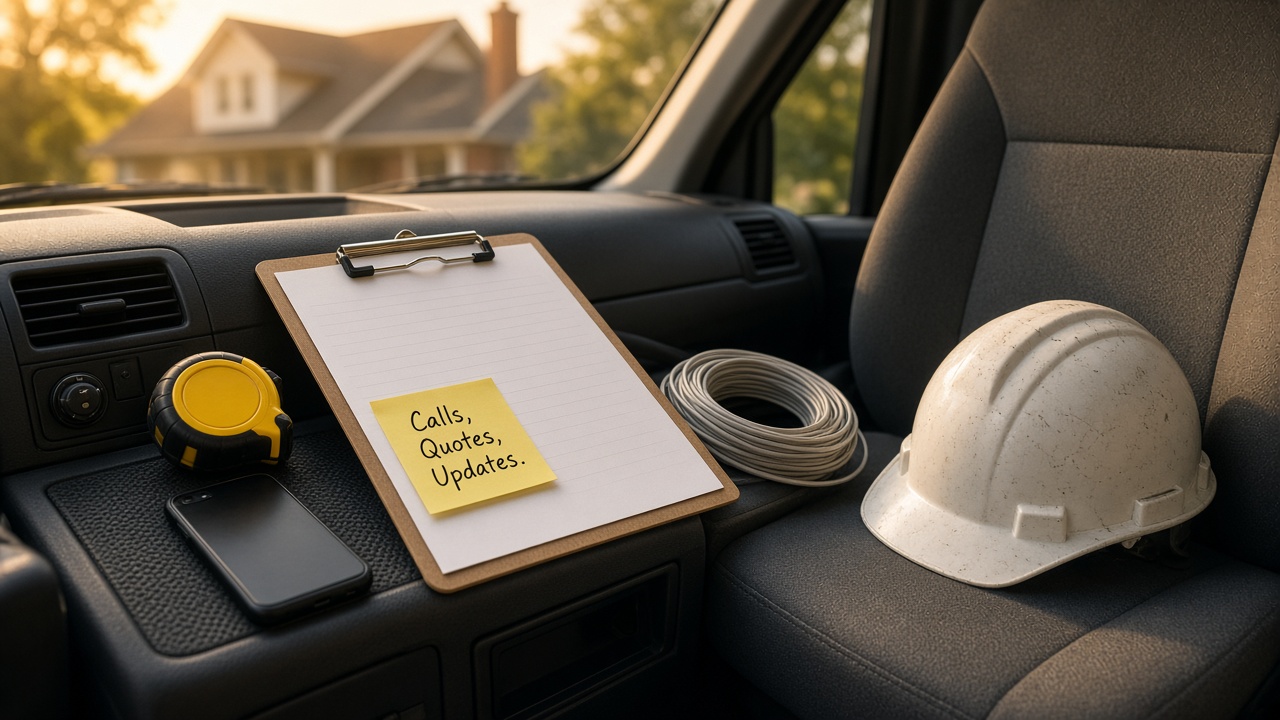
If you run an electrical or roofing company, most of your day isn't on a ladder or in a panel. It's in the truck. Calling people back, writing up estimates at night, answering the same questions about timing and price, and trying to remember which homeowner you promised a callback to on Tuesday.
That's the work that quietly costs you jobs. Not the trade work. The paperwork around it.
This post is about that part. No new software and no big system. Just a regular AI chat tool like ChatGPT, Claude or Grok, used for the writing and organizing that eats your evenings. And I'll be clear about the lines AI should never cross in a licensed trade.
Where the jobs actually slip away
Most small trade businesses don't lose work because they do bad work. They lose it in the gaps:
- A call comes in while you're on a job and nobody calls back until the next day
- An estimate sits in your head or your notebook for three days before it goes out
- The estimate goes out, but it's a number and a few lines the homeowner doesn't understand
- Nobody follows up, so the homeowner goes with whoever called them back first
- The job goes great, but you never ask for the review
Almost every one of those is a writing or follow-up problem. That's exactly where AI helps.
First, the line AI doesn't cross
Electrical and roofing work is licensed for a reason. So before anything else, here's the rule I'd hold to:
- AI can help you write, explain and organize.
- AI does not decide code, load calculations, wiring, permits, structural calls or safety.
- Anything that goes out with a number, a code reference or a safety statement gets checked by you or whoever's licensed on your team.
AI tools sound confident even when they're wrong. That's fine for a thank-you text. It's not fine for whether a panel can handle a new circuit or whether a roof deck needs replacing. Your judgment stays in charge. AI just saves you the typing.
With that in place, here's where it earns its keep.
1. Missed calls and after-hours messages
When you're on a roof or in a crawlspace, you can't pick up. The homeowner calls the next company on the list.
You don't need a robot answering your phone to fix most of this. Start simple:
- Write down the five or six questions people ask most when they call. Things like how soon can you come out, do you do free estimates, what areas do you cover, and do you handle emergencies.
- Ask your AI tool to turn your real answers into a short voicemail greeting, a text reply you can send in one tap, and an email reply.
- Read them, fix anything that isn't true for your business, and save them on your phone.
Now when you miss a call, you can send a clear, friendly text from the truck in ten seconds instead of waiting until tonight. Something like: "Hi, it's [your name] from [company]. I'm on a job right now. Can I call you back by 4 today? If it's an emergency, reply URGENT and I'll call sooner."
If you get a lot of after-hours calls, there are AI phone and answering tools out there. I'd still start with your own scripts first. Once you know exactly what you want said, you can decide if a tool is worth it. And real emergencies, like sparking, burning smells or water coming through a ceiling, should always reach a person.
2. Turning walkthrough notes into a clear estimate
This is the big one. Most owners do the walkthrough, take a few photos, jot some notes, and then the estimate waits until they have a quiet hour. That quiet hour doesn't come.
Here's a faster way:
- Right after the walkthrough, talk into your phone for two minutes. What you saw, what needs doing, any options, anything the homeowner was worried about.
- Paste that voice note text into your AI tool along with your usual estimate layout.
- Ask it to write a clear scope of work in plain English, with each line item explained in a sentence a homeowner would understand.
- You add the numbers. You check every line. Then it goes out.
You stay in charge of pricing and scope. The AI just turns your rough notes into something that reads like you sat down and wrote it carefully.
A prompt you can use:
"Here are my notes from an estimate walkthrough. Turn them into a short scope of work for the homeowner. Use plain English, no jargon, and explain why each item matters in one sentence. Don't add any work I didn't mention and don't include prices. Notes: [paste notes]"
That last line matters. You don't want it inventing a line item you never quoted.
3. Giving homeowners options they understand
A lot of homeowners stall because they don't understand what they're choosing between. A roof repair versus a full tear off. A quick fix versus a panel upgrade. If it isn't clear, they wait, and waiting usually means someone else gets the job.
AI is good at taking your options and laying them out side by side:
- What each option includes
- What it fixes and what it doesn't
- What the homeowner should expect during the job
- Questions they might want to ask you
You write the options. AI makes them easy to read. Then you check that nothing got stretched or softened along the way, especially anything about safety or how long something will last.
4. Job updates and before and after notes
Homeowners get nervous when they don't hear from you. A short update goes a long way.
You can have AI write a few reusable messages:
- The day before: what time you're coming, how long it should take, what they need to move or unlock
- During: what you found, if anything changed, and what you need from them
- After: what you did, what to watch for, and how to reach you
For roofers especially, before and after photos are a big deal. AI can help you write a short note to go with them: here's what we found, here's what we replaced, here's what it looks like now. Keep it factual. Don't let it describe anything you didn't actually do.
5. Storm season follow-up for roofers
When a storm rolls through, roofers get slammed. The phone rings nonstop, and the companies that stay organized win the work.
AI can help you stay ahead of it:
- Write a short message for past customers checking in after a storm
- Write a calm, clear text for new inquiries that explains your next steps and when you can get out there
- Turn a messy list of calls and notes into a simple callback list sorted by what each person needs
Two cautions here. First, don't use AI to make promises about insurance claims, like what a policy will cover. That's between the homeowner and their insurance company, and getting it wrong can cause real trouble. Second, keep your storm messages honest and low pressure. Homeowners are wary of anyone who sounds like they're chasing storms, so your message should sound like the local company that's been around for years.
6. Reviews and referrals
The job's done, the homeowner's happy, and then nobody asks for the review. It's one of the easiest wins in the trades.
Use AI to write:
- A short review request text you send the same day the job wraps
- A referral ask for your happiest customers
- A few reply templates for good reviews, mixed reviews and the occasional unfair one
I wrote more about this in How to Reply to Google Reviews With AI. The short version: draft with AI, then make every reply sound like you before it goes up.
What to keep out of AI
A quick list of things that shouldn't go into a regular AI chat tool:
- Customer addresses, gate codes, alarm codes or anything that helps someone get into a home
- Payment details and bank info
- Anything you'd be uncomfortable seeing on a billboard
Use first names or "the homeowner" in your prompts. Fill in the real details yourself when the message goes out.
How to start this week
Don't try all six. Pick one:
- Write your missed call text and voicemail greeting.
- Try the voice note to estimate method on your next walkthrough.
- Write a same-day review request.
Give it a week. If it saves you time, add the next one. If it doesn't, change how you're asking or pick a different task.
FAQ
Do I need special contractor AI software?
No, not to start. A regular AI chat tool can handle everything in this post. Some estimating and field service tools are adding AI features, and those can be worth a look later once you know what you want help with.
Can AI write my estimates for me?
It can write the words around your estimate, like the scope, the explanations and the options. You set the prices and check every line. Don't let it guess at materials, code or labor.
Can AI tell me if something meets code?
Don't rely on it for that. It can be confidently wrong, and code depends on where you work. Code, permits and safety calls stay with you and your local inspector.
Will homeowners know I used AI?
Not if you do it right. Read every message, change anything that doesn't sound like you, and keep it short. The goal is that it reads like you on a good day.
What's the first thing I should try?
The missed call text. It takes ten minutes to set up, and it can save you a job the very first week.
Get your evenings back
You got into this trade to do the work, not to write estimates at the kitchen table at 10 at night. AI won't climb the ladder or pull the wire. But it can take a real chunk of the calls, estimates and follow-ups off your plate, and that's often where the next job is won.
If you'd like help setting this up, that's what I do with Mugen Solutions. I run free, hands-on AI workshops for small business owners, built around your real tasks instead of generic examples. Reach out here and tell me which part of the paperwork is eating your week.